5.3 Introduction of sample holder in the storage chamber
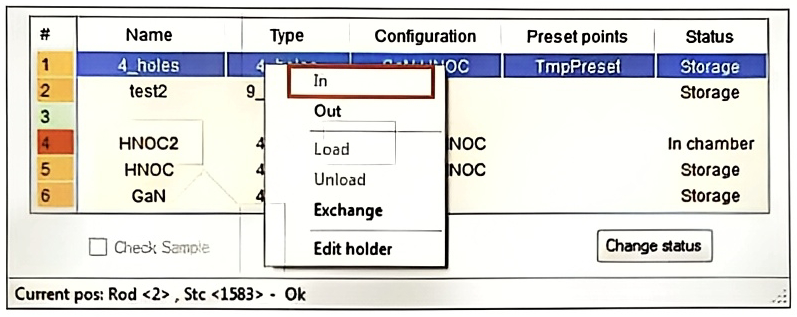
- To introduce a sample holder in the storage chamber, select first a free space position (green color) on the sample holder panel by clicking on the right button of the mouse. The scroll menu appears, click on In.
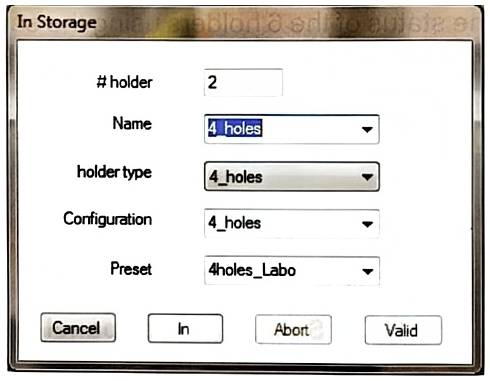
- In Storage window appears, fill the follow information:
○ Type a name for the sample holder.
- Choose the holder type following the sample holder which will be introduced.
○ Choose a Configuration of the sample holder if configurations have been defined previously (not mandatory)
○ Choose a Preset on the sample holder if presets have been defined previously (not mandatory)
-
Click on In after all the above-mentioned information has been entered. Then, the auto storage will rotate until the selected position is set on the axis of the Loadlock.
-
When the positioning is done, press the Vent button from the Loadlock menu.
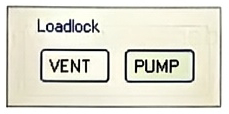
- When the loadlock part is vented (Vent button stop flashing), remove the loading rod by twisting un-clockwise the main locking system.
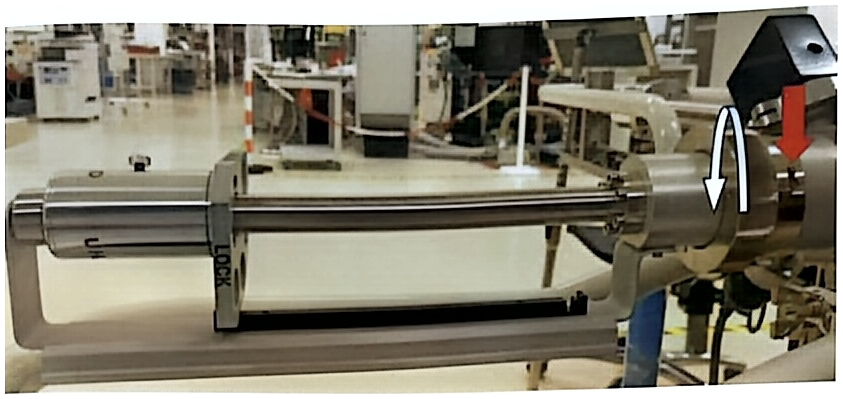
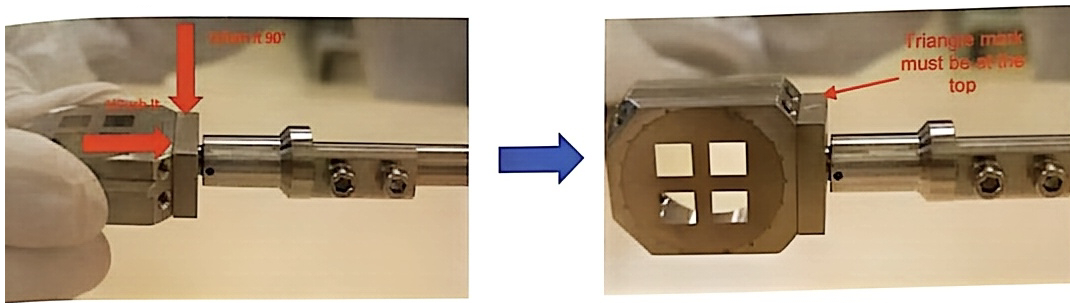
- Place the sample holder on the extremity of the rod:
- First push the sample holder on the lock system of the loadlock rod - Then turn the sample holder to 90° in holding the loadlock rod so as the triangle mark is at the top. The front side of the sample holder must be on your right when facing the loadlock rod.
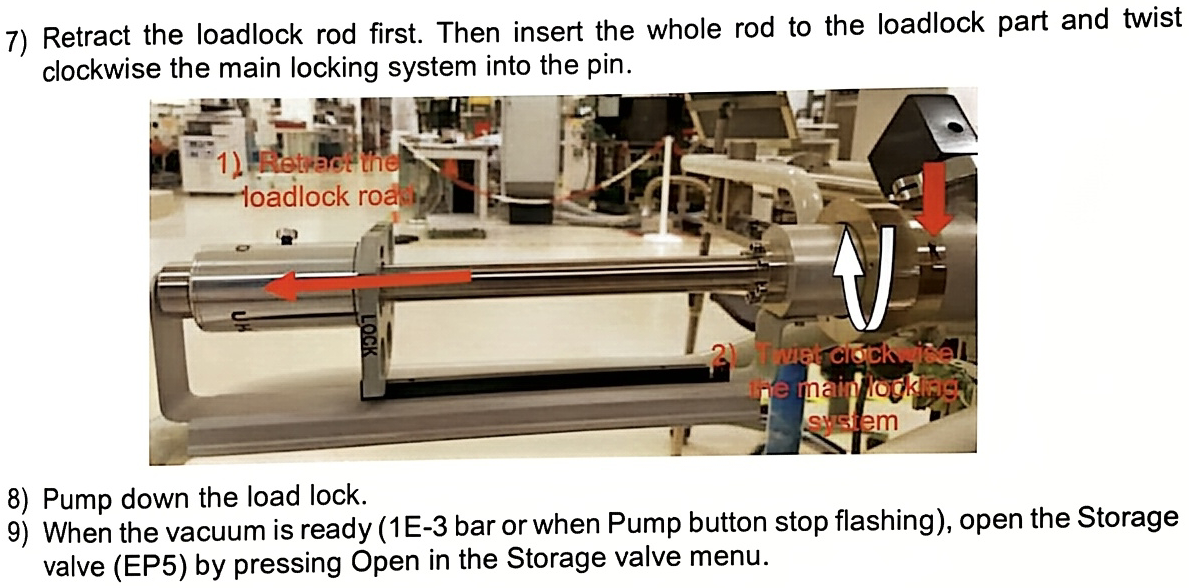
- Retract the loadlock rod first. Then insert the whole rod to the loadlock part and twist clockwise the main locking system into the pin.
-
Pump down the load lock.
-
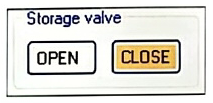
When the vacuum is ready (1E-3 bar or when Pump button stop flashing), open the Storage valve (EP5) by pressing Open in the Storage valve menu.
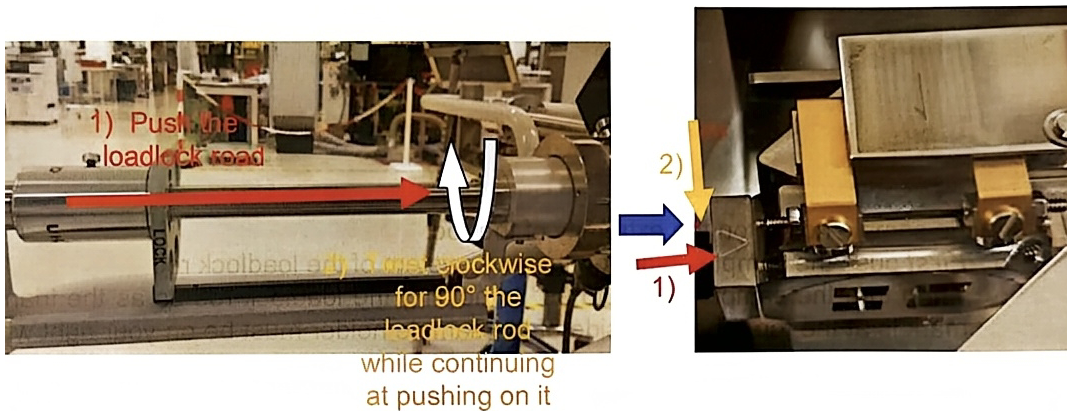
- To introduce in the storage chamber:
- Push the rod into the storage airlock until the sample holder reach the limit of the sample holder support.
- Then unlock the sample holder by twisting clockwise the loadlock rod while continuing at pushing on it. The word Unlock must face the top before removing the loadlock rod.
- Remove completely the loadlock rod from the storage chamber.
-
Close the valve EP5.
-
Click on the Valid button on the In Storage window. The position color of the given sample holder should turn to orange.