8.2 Alignment procedure for Mass spectrometer
8.2.1 Instrument conditions
Section titled “8.2.1 Instrument conditions”Instrument conditions: FA #2 (750μm), CA #2 (150μm), Max area (Transfer preset) 150 μm, Entrance Slit full open (400μm) and Exit Slit full open (1200 μm).
8.2.2 Alignment procedure
Section titled “8.2.2 Alignment procedure”Setting the Slit preset_Lcoup
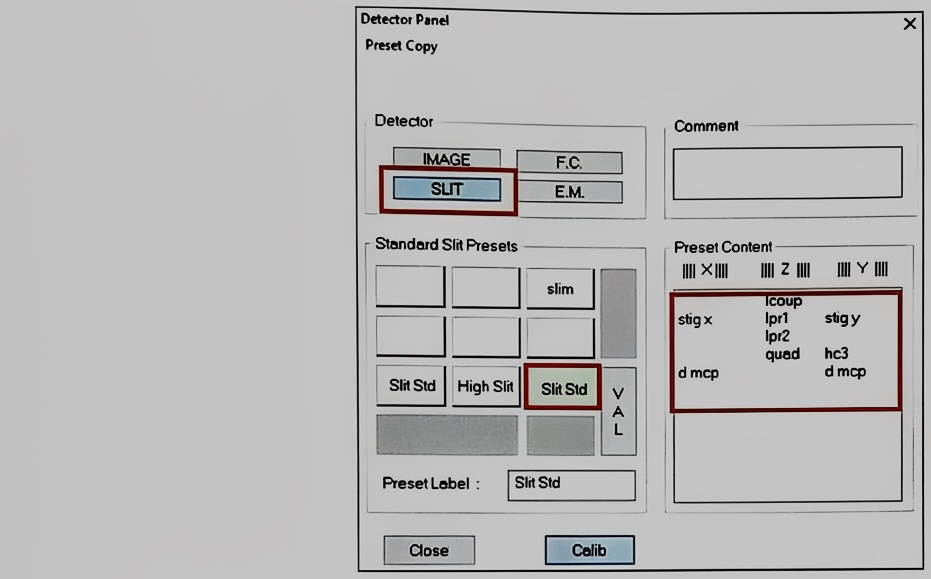
-
Choose first Slit Mode to see the cross-over image on the channel plate. Then wobble Lcoup lens.
-
While wobbling Lcoup lens, the Slit image should not be moved along the X-axis.
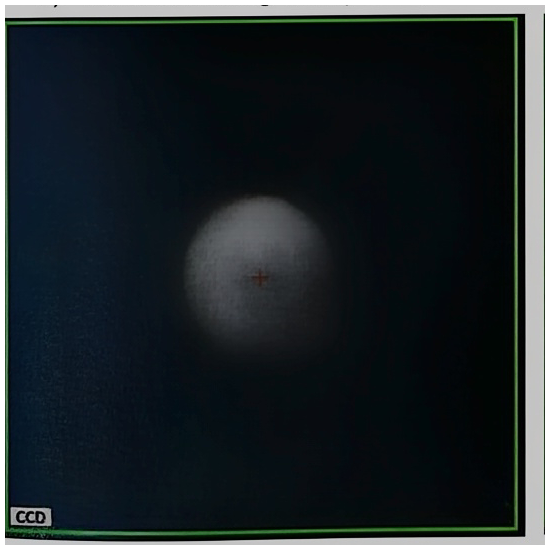
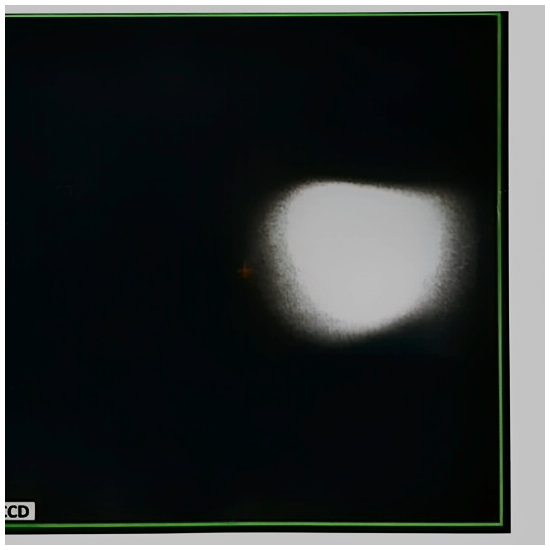
- If the Slit image moves horizontally, go to the ESA parameter as well as Lcoup using Synoptic Panel like below.
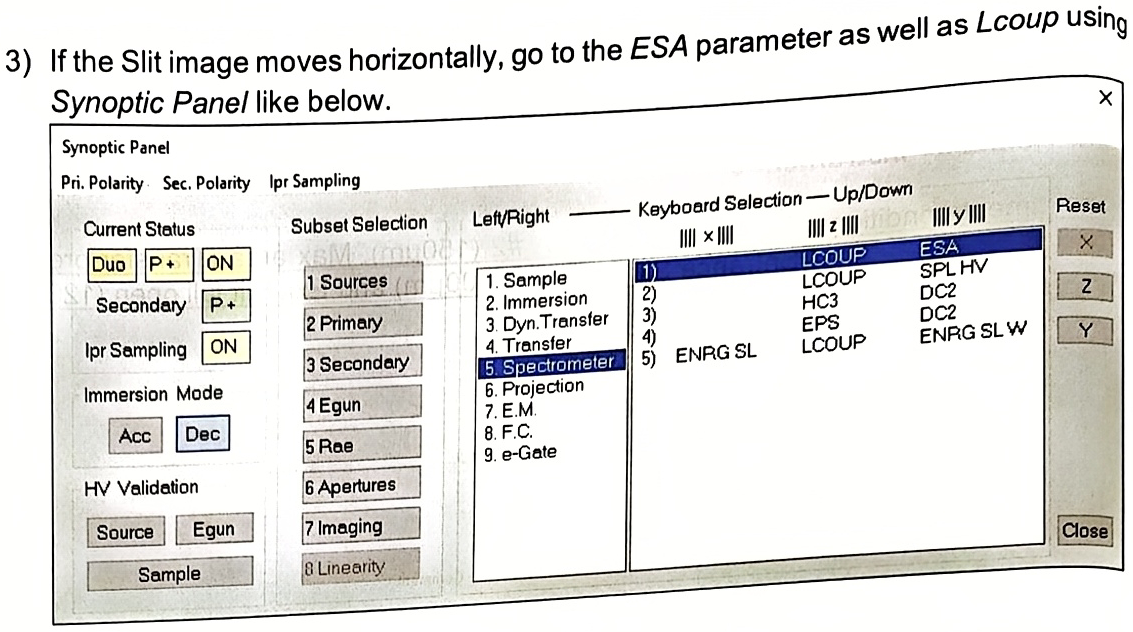
- First, change the ESA value to increase/decrease.
- Then, wobble Lcoup again to check the moving on X-axis is reduced or not. If it is getting better, then keep going in this direction of ESA until the Lcoup
- wobbling can be performed without moving on X-axis. If it is getting worse, try to change ESA value in the opposite direction. And recheck the wobbling.
While this sequence, it is possible that the Slit image can be far from the MCP center. In this case, use Mass field to bring it back to the MCP center.
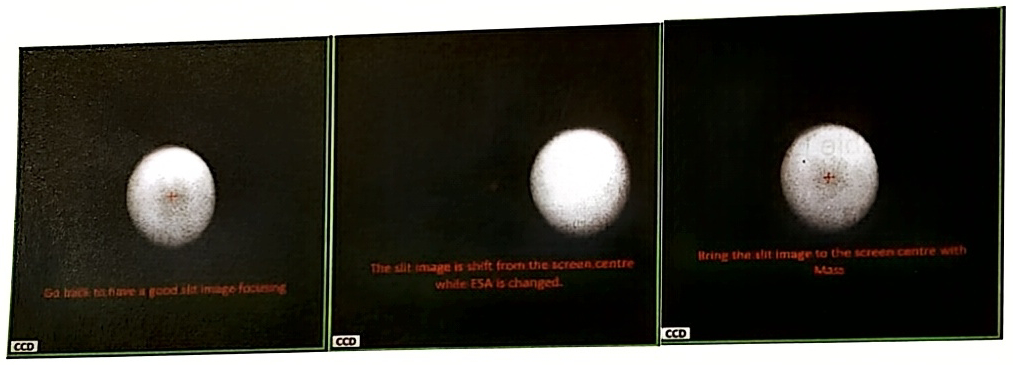
- Validate Slit preset and do the Shift Mass using Mass & Apertures panel if needed. Whereas no need to validate new ESA value as it will be applied automatically.
Setting the Slit preset_High Mass Resolution (HC3, Slit stig)
- LPR1 setting: Close the Exit slit=50μm and improve the sharpness of both edges of Exit slit by adjusting only LPR1 value. Validate the preset when it is the best. Open Exit slit again.
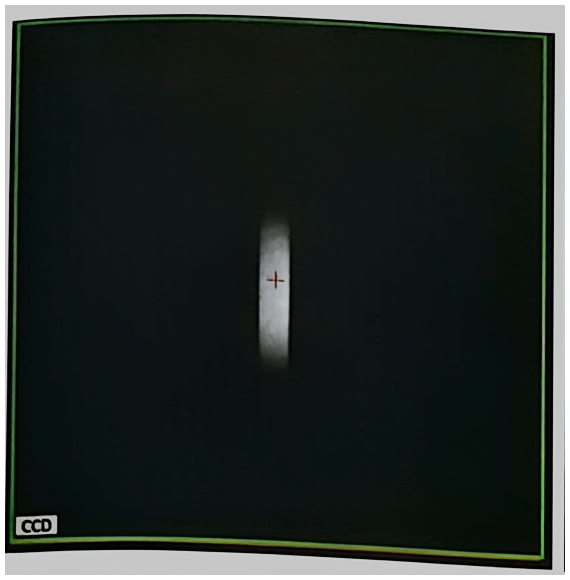
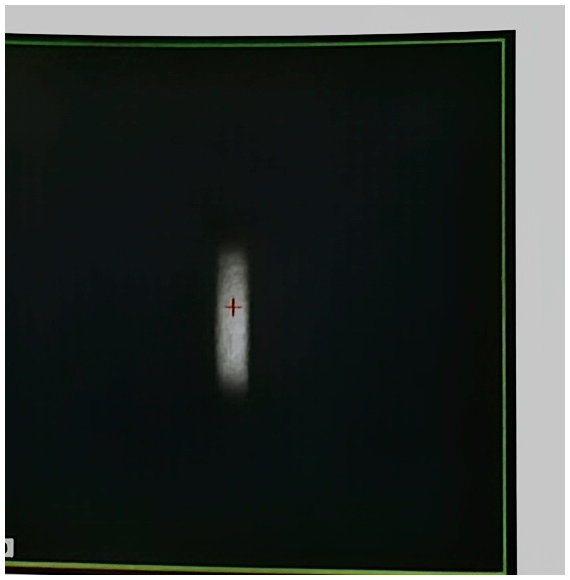
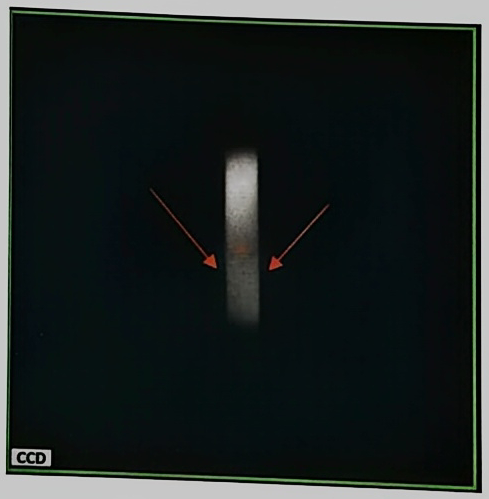
- Lcoup, HC3, Quad setting: Close the Entrance Slit=25μm, adjust finely Lcoup lens in order to obtain clear and sharp edges of Entrance slit. Use also other parameters like HC3 (in the hexapole option case) and Slit X if it is helpful for finest image edges. Then validate the Slit preset.
-
Close the Exit slit to around 50 μm while keeping the Entrance slit to 25 μm . Move the Mass field, then Entrance slit image will move along X-axis inside of the Exit slit. Use Slit Stig Y to adjust the parallelism between the Entrance slit edge and the Exit slit edge.
-
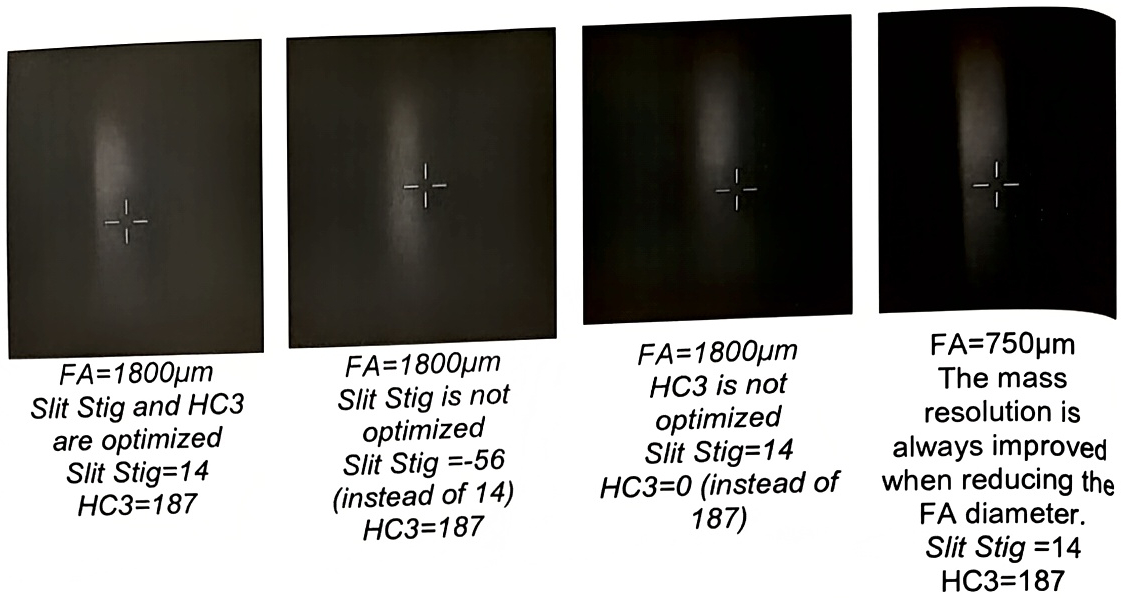
Valid the Slit preset. The validated HC3 and Slit Stig values will be also applied to the EM and FC preset. Refer to the following images for slit tuning.
FA=750μm The mass resolution is always improved when reducing the FA diameter. Slit Stig =14 HC3=187