5.4 Load/unload procedure of sample holder in the analysis chamber
5.4.1 Loading a sample holder
Section titled “5.4.1 Loading a sample holder”- Be sure that no sample holder is in the analysis chamber. Check if no position is in red color or look at inside of the analysis chamber through the view port or Camera optical image.
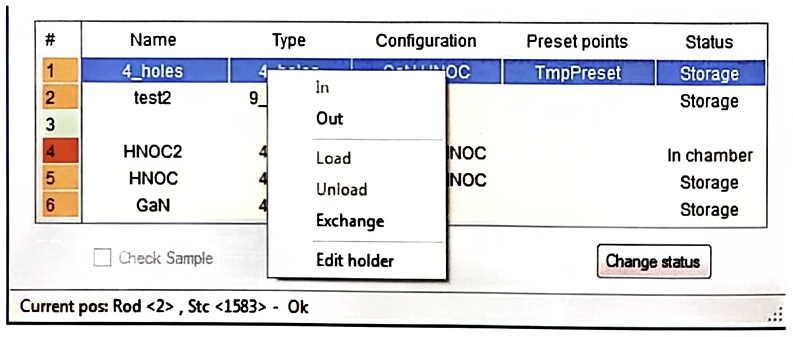
- Select a sample holder which is in the storage (Orange color) by clicking on the right button of the mouse. On the scroll menu, select Load.
5.4.2 Unloading a sample holder
Section titled “5.4.2 Unloading a sample holder”- Select the sample holder which is in the Analysis chamber (Red color) by clicking on the right button of the mouse. On the scroll menu, select Unload.
5.4.3 Exchange two sample holders
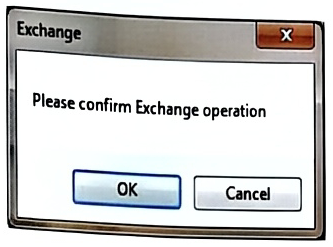
Section titled “5.4.3 Exchange two sample holders”- The exchange function allowed to automatically replace the holder in the chamber by a selected one in the storage chamber. Just select the holder you want to load, then open the dedicated menu with right button of the mouse, select Exchange and confirm on the following window.